Students love a race. Fastest Finger First (FFF) turns your live chat into one: you ask a question, everyone types their answer, and the quickest correct students win. It is the easiest way to make a revision class feel like a game show, and it needs nothing more than the chat box your students already use.
How a Fastest Finger First round works
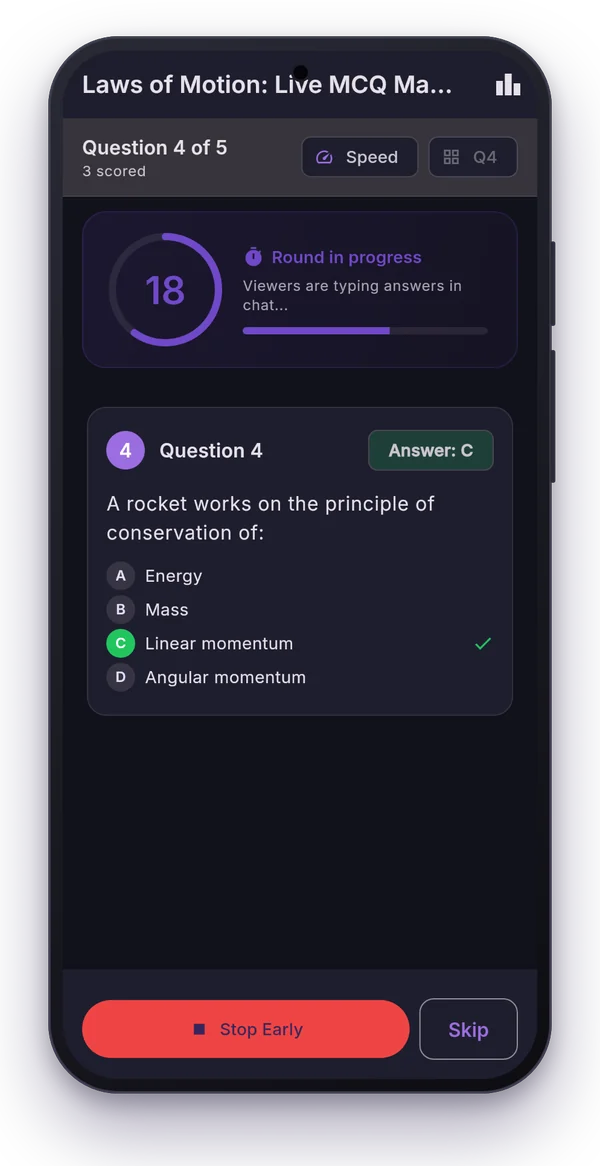
- You show the question on your slide or say it aloud.
- The app posts a start message in chat and the timer begins (15 to 60 seconds).
- Viewers type A, B, C or D. Only each viewer's first answer counts.
- When time is up the app posts TIME UP, you confirm the correct option, and the winners are announced in chat.
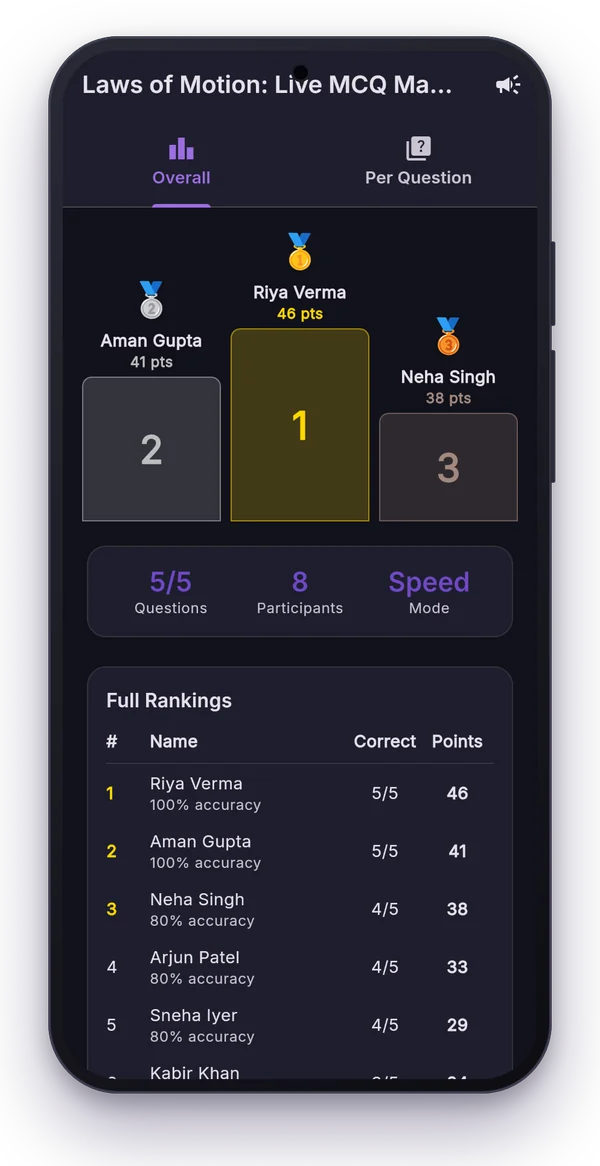
- Points add up on a leaderboard across the whole session.
Because answers are ranked by the time YouTube received each chat message, the ranking is fair even when hundreds of students answer within the same second.
Two ways to score
| Mode | How points work | Best for |
|---|---|---|
| Simple | 1 point for every correct answer | Practice tests, beginners, accuracy over speed |
| Speed-based | Fastest correct: 10 points, next: 9 … minimum 1 | Revision marathons, competitive batches |
Ties on points are broken by the number of correct answers, then by total answer time.
Announcements in chat
Choose what the app posts: the winners after each question, the final top 3 at the end, or both. Seeing their name in chat is the biggest motivator for students; expect the chat to get busier after the first winners are announced.
Setting up a round on your phone
- Open the FFF tab in Polls Patamde and pick your live stream.
- Choose the timer, scoring mode and announcements.
- Add your questions, or skip typing: give the app a photo or PDF of the answer key and AI reads the correct options for you.
- Start. The app reads the chat, ranks the answers and posts the results.
Every session is saved in History with the full leaderboard, handy for weekly toppers or certificates.
Running it from your PC
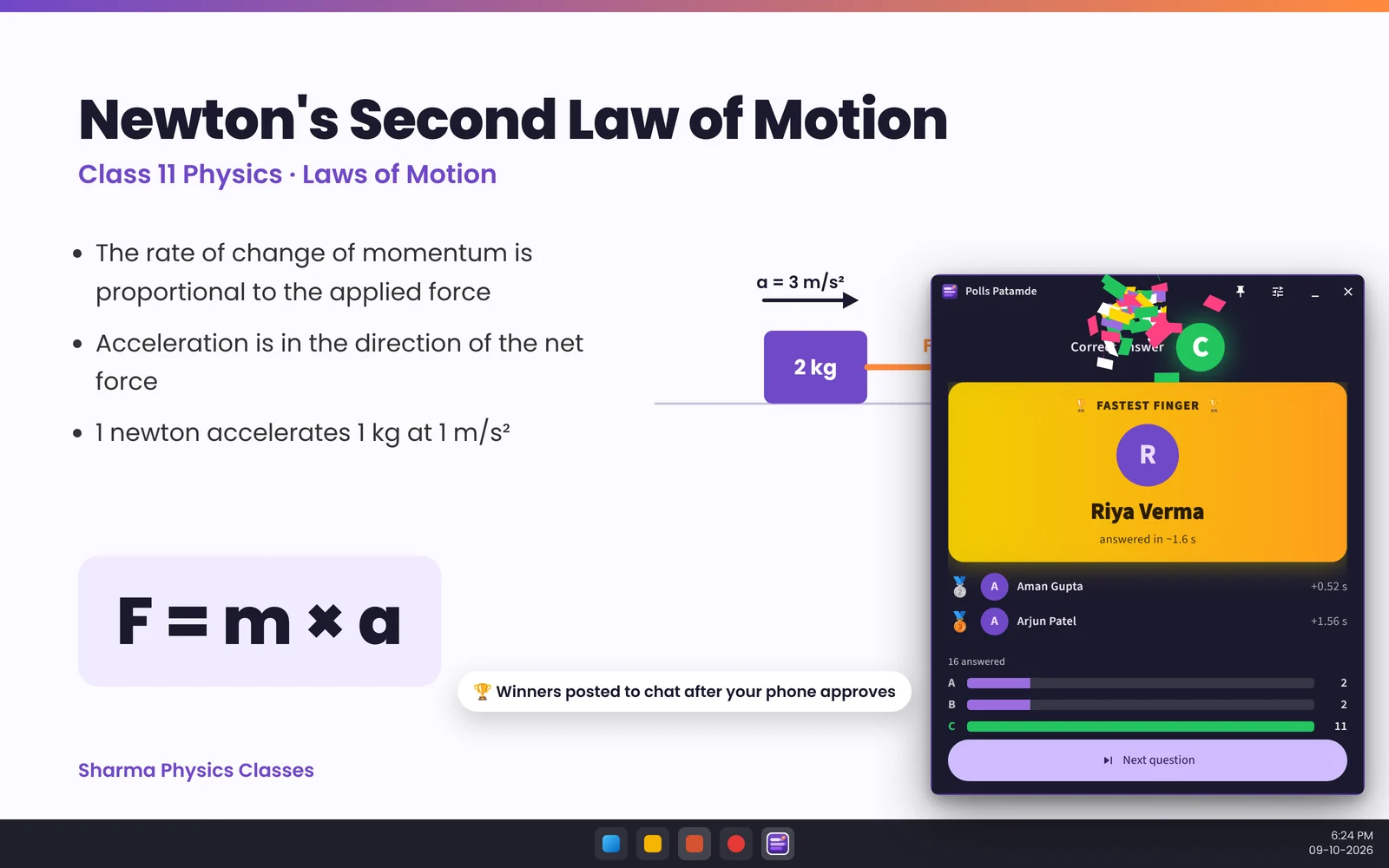
If you teach from a laptop with slides, switching to your phone mid-class is awkward. The free Windows app puts the FFF controls in a small window that floats above PowerPoint. Start a round with Ctrl+Alt+Space, mark the answer with Ctrl+Alt+1–4, and approve the chat announcement on your phone with your fingerprint.
Tips for a great FFF session
- Explain the rules once at the start: "type only the letter, first answer counts".
- Use 15 to 30 seconds for recall questions and 45 to 60 for calculations.
- Pause for the leaderboard every 5 questions; it brings drifting viewers back.
- Rehearse in Practice mode on the Windows app before your first live session.
Frequently asked questions
How do viewers answer in a Fastest Finger First quiz?
They type a single letter, A, B, C or D, in the YouTube live chat. Brackets or a full stop are fine, for example (b) or C.
What if a viewer answers twice?
Only their first answer counts, so changing an answer does not help. Answers are ranked by the time YouTube received them.
How is the score calculated?
Choose Simple scoring (1 point per correct answer) or Speed-based scoring, where the fastest correct answer gets 10 points, the next 9 and so on down to 1.
Can I run it from my computer instead of my phone?
Yes. The Windows app runs Fastest Finger First from a floating window over your slides with keyboard shortcuts, and your phone approves the chat announcements.